
SKU sequence generator for Excel
Create SKU labels with prefixes, separators, padding, and row counts without dragging a spreadsheet fill handle.
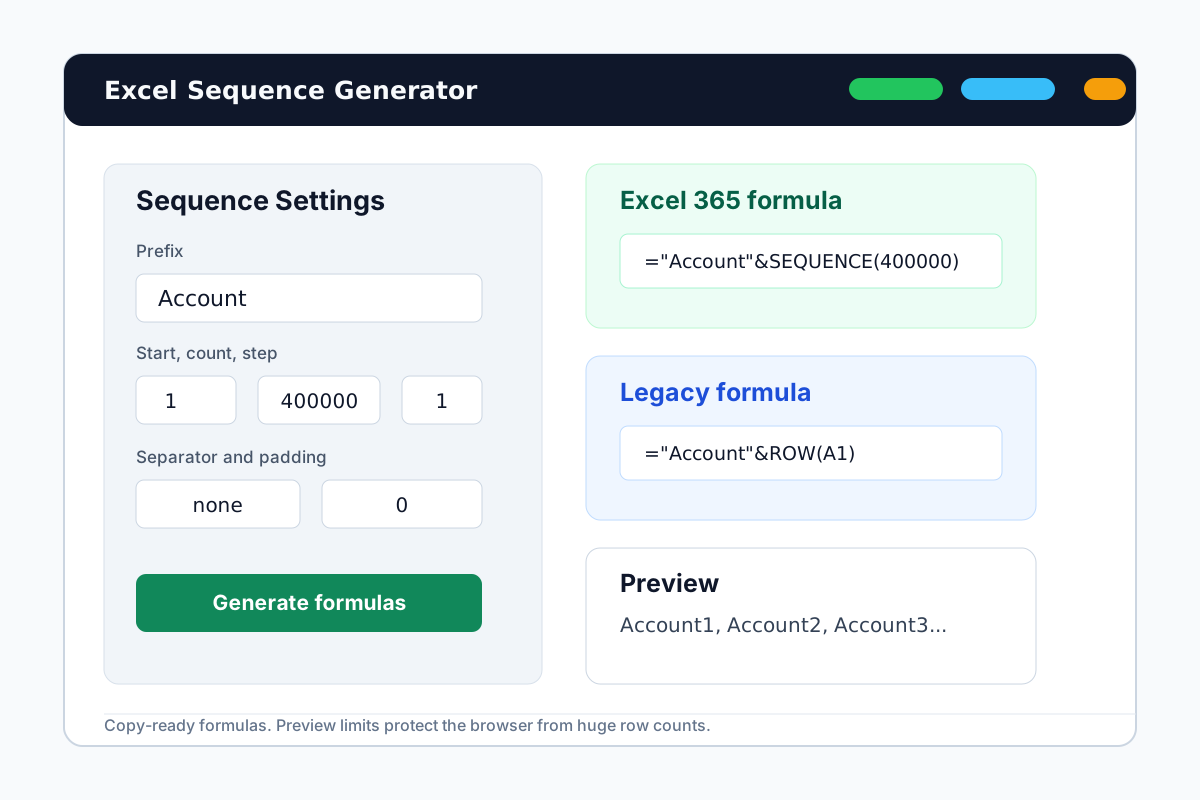

Make SKU numbers that stay consistent across exports
SKU lists usually need a predictable pattern. Set the prefix, start number, separator, and padding once, then copy the formula, text, or CSV preview.
Zero-padded SKUs
Generate SKU-0001, SKU-0002, SKU-0003, or any fixed-width numbering pattern.
Catalog import prep
Use TXT or CSV output when another inventory system needs fixed SKU values.
Formula output for large sheets
Use the Excel formula when the SKU range is too large for manual typing or dragging.
How to create SKU-0001 style labels
Start with the SKU pattern, then choose the output that fits your spreadsheet workflow.
Enter SKU as the prefix
Use a hyphen separator when you want labels like SKU-0001.
Set padding to 4
Padding keeps SKU values aligned as numbers grow from 9 to 10, 99 to 100, and beyond.
Copy formula or fixed values
Use formulas for live Excel ranges or TXT and CSV when importing values elsewhere.
Related spreadsheet generators
Use the page that matches the label pattern you need.
Account labels
For Account1, Client1, and user ID sequences.
Invoice numbers
For INV-2026-0001 style document numbering.
Autofill without dragging
For users who want to avoid long fill-handle operations.
SKU sequence generator FAQ
Generate SKU labels now
Open the generator, enter your SKU pattern, and copy the formula, TXT, or CSV output.