
Serial number generator for Excel
Create SN-000001, ASSET-1001, equipment tags, and warranty lists without dragging formulas through a spreadsheet.
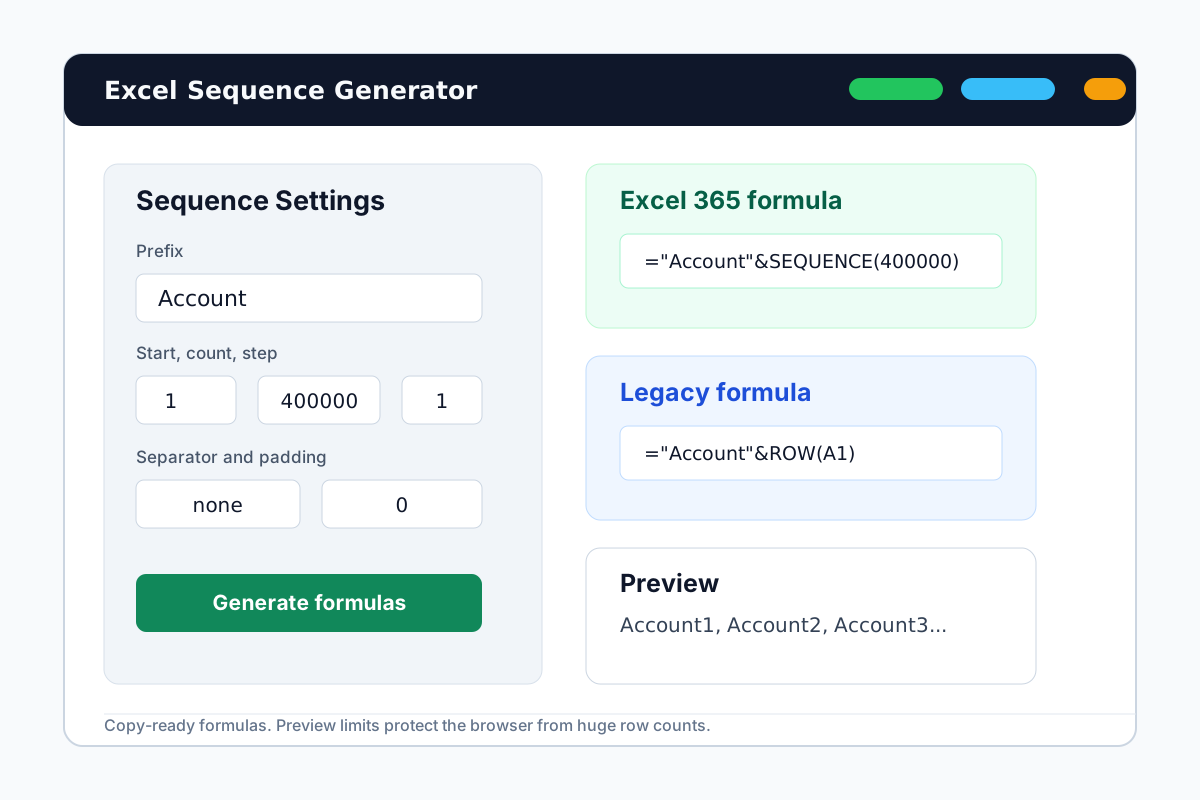

Build clean serial number lists for spreadsheet workflows
Serial numbers often need fixed prefixes, leading zeros, and predictable increments. Generate the list once, then paste formulas or export fixed values.
Asset-friendly prefixes
Use SN, SERIAL, ASSET, EQP, or a short department code before the number.
Sorted padded numbers
Create SN-000001 style labels that keep the same width and sort correctly.
CSV-ready output
Copy Excel formulas, paste fixed values, or download CSV/TXT for import sheets.
How to make serial numbers in Excel
Use the generator when a manual fill handle is too slow or easy to misalign.
Choose the serial prefix
For example, use SN, ASSET, or SERIAL with a hyphen separator.
Set count, start, and padding
Start from the next available number and choose the zero padding that matches your sheet.
Copy the output
Use formulas inside Excel or export fixed values when another system needs an import file.
Related inventory numbering pages
Pick the workflow that matches the list you need to create.
SKU sequences
For product, catalog, and marketplace item labels.
Purchase order numbers
For PO-10001 style procurement lists and vendor sheets.
Bulk row labels
For tickets, batches, rows, and general list labels.
Serial number generator FAQ
Generate serial numbers now
Open the generator, enter your serial pattern, and copy the output back to Excel.